

Our Latest Updates to Your Software: A Memo From Your Company’s IT Department
We are so pumped to roll-out the new updates to the software you use very day for hours on end, bringing you changes that you never knew you needed. Hope you weren’t married to the color scheme you selected and have been using for 9 years!
First off, remember how you used to have to move your cursor all the way over to the lower left-hand corner of your taskbar to click on your pinned apps? No more! Now you only have to move your cursor to the middle of the taskbar. The gang in IT was very proud of this update. All your pinned apps will be there now. Hopefully.
Man, if we heard one person complain about the lack of translucence of their various desktop apps, we’ve heard several. So, guess what? Your desktop icons are now translucence! Yes, you can kinda see through them now! Awesome, right? Additionally, we just moved them randomly around.
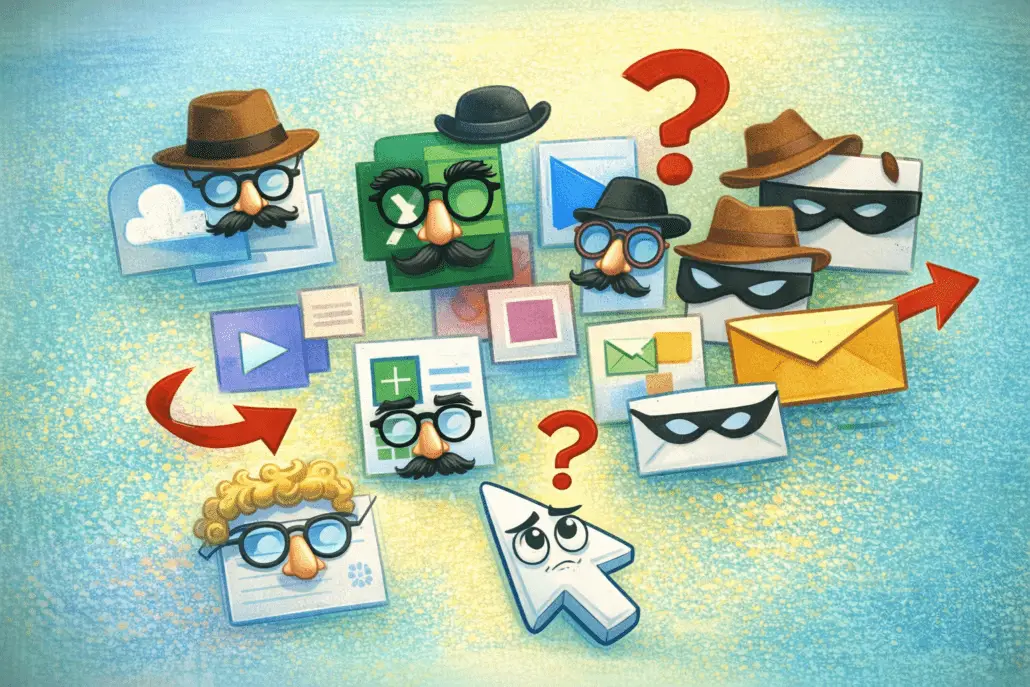
Also, you’ll discover that we redesigned the desktop icons just enough to make them unrecognizable, so happy hunting for your Excel and Word programs! Talk about upgrades!
We all hate long drop-down menus, so now when you go on one of your drop-down menus, you’ll have to guess which submenu we hid your programs and files! The drop-down menus will be whittled down to seven, then the remaining functions will be on the submenus which then may lead to another submenu! Oh, and no matter how you loaded or listed your programs, we’ll be putting them in random order, for security reasons!
Another big security fix regards spam email. We have had to deal with entirely too many spam messages and phish attempts sent to our employees so now we will be blocking all email everywhere. You can telephone people, you know. We still have inter-office mail and need to keep Gary in the mailroom busy, especially after the arrest.
And when you open a folder, look at all the space we put between each file! How much easy is that going to make your job?
Of course, your cursor may still randomly switch to white when you’re scrolling on white files or suddenly exit a program before you get a chance to save it or be denied access to websites you formerly had total access to, or the “Lock” function may have gone missing. Some of that may be addressed in the next software upgrade.
Many of these changes you’ll see will mostly be cosmetic and can be switched back to traditional settings. But good luck with that! If you knew how to do that kind of stuff, you’d be working in tech support!
Most other changes will be transparent to you, like the software that counts keyboard strokes per minute to see that you’re actually at work or the built-in camera in your new PC screens, so no need for you to worry about that. It’s like it never happened as far as you’re concerned.
We hope you find these changes useful and/or helpful. If not, well, they laid off the tech staff after our stock price turned us into a penny stock, so good luck!
- About the Author
- Latest Posts

I’m a writer and live in New York City. Downtown New York. Very downtown New York. Okay, I live in Staten Island. Armed with only my wits and a keyboard, I’ve written for Cracked Magazine, The Adventures of the Galaxy Rangers, Prairie Home Companion, Mad, TMI: Hollywood, and other stuff.